⚡
Immediate
You just need to attach the files and scan the destination QR, nothing else.
The fastest, simplest, and best alternative to transfer files between devices. Transfer point-to-point instantly, securely, and without accounts or registration.
QrTransfer.io It is a multi-platform app that lets you send all the files you need between your devices simply, quickly, and securely.
You just need to attach the files and scan the destination QR, nothing else.
You don't need to create accounts or verify yourself to use the app, use it anytime and anywhere.
Send any file regardless of size, no limits.
Files are transferred directly, point to point, to your mobile app or web browser. No copies are stored anywhere.
How, by following four simple steps, we can quickly and conveniently send all the files we need between any devices.
Before proceeding with these steps, make sure you have the QrTransfer.io app installed on your mobile.
You can download it from Google Play Store
y desde
Apple App Store
The first time you open the QrTransfer.io app, we will ask you to read and accept our privacy and usage policies.
It is very important that you read and understand how your files are managed through the app.
Ideal for sending one-off documents, photos, links, etc. immediately, without hassle.
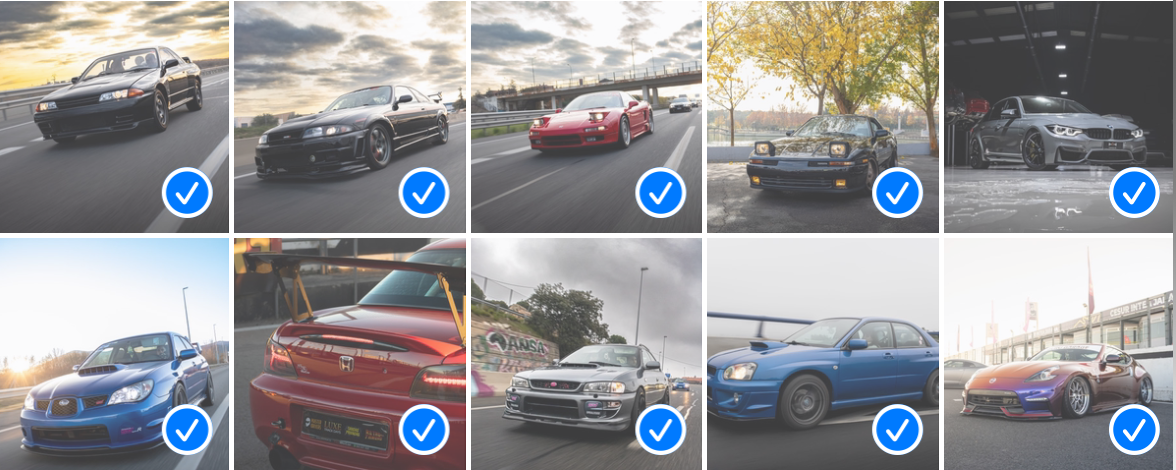
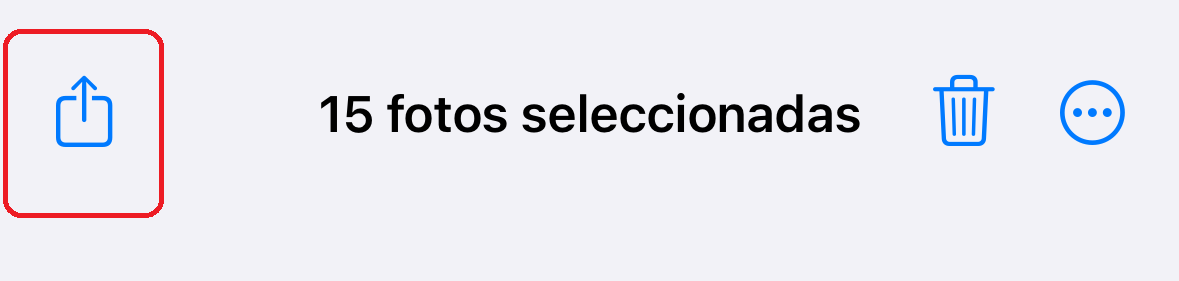
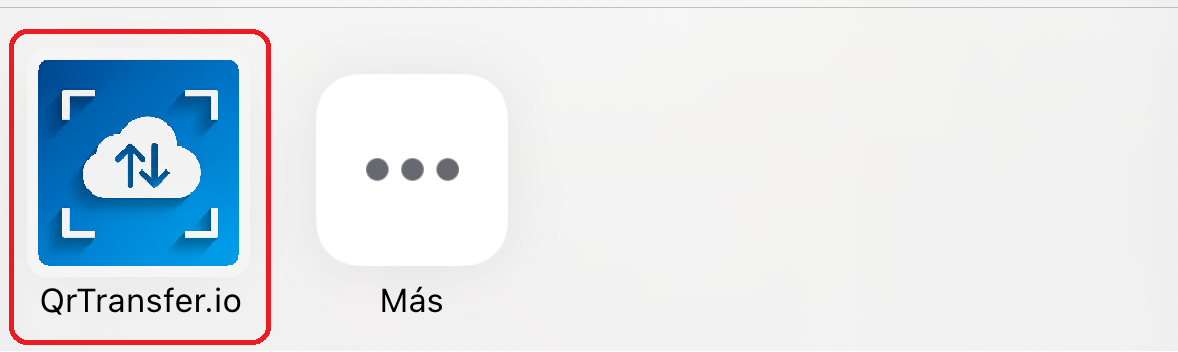
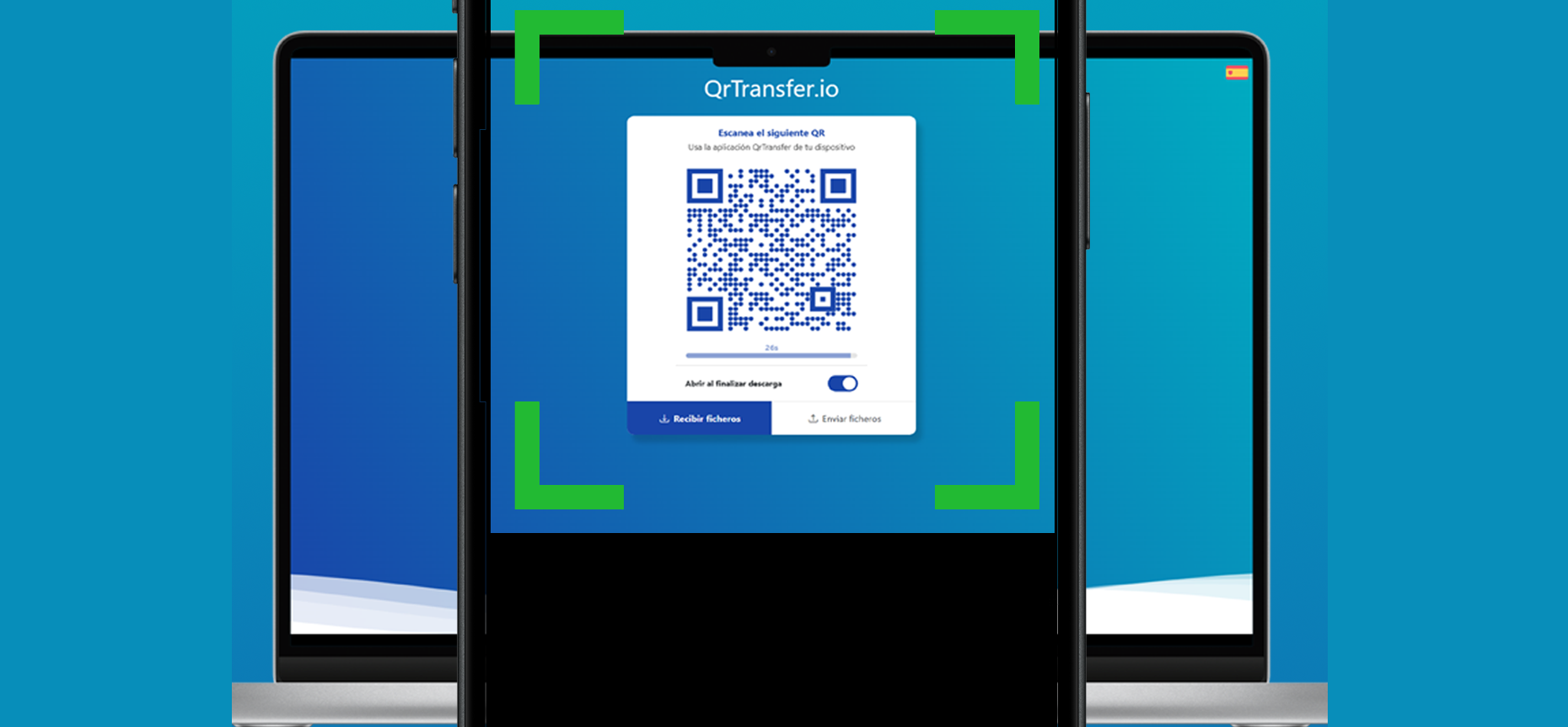

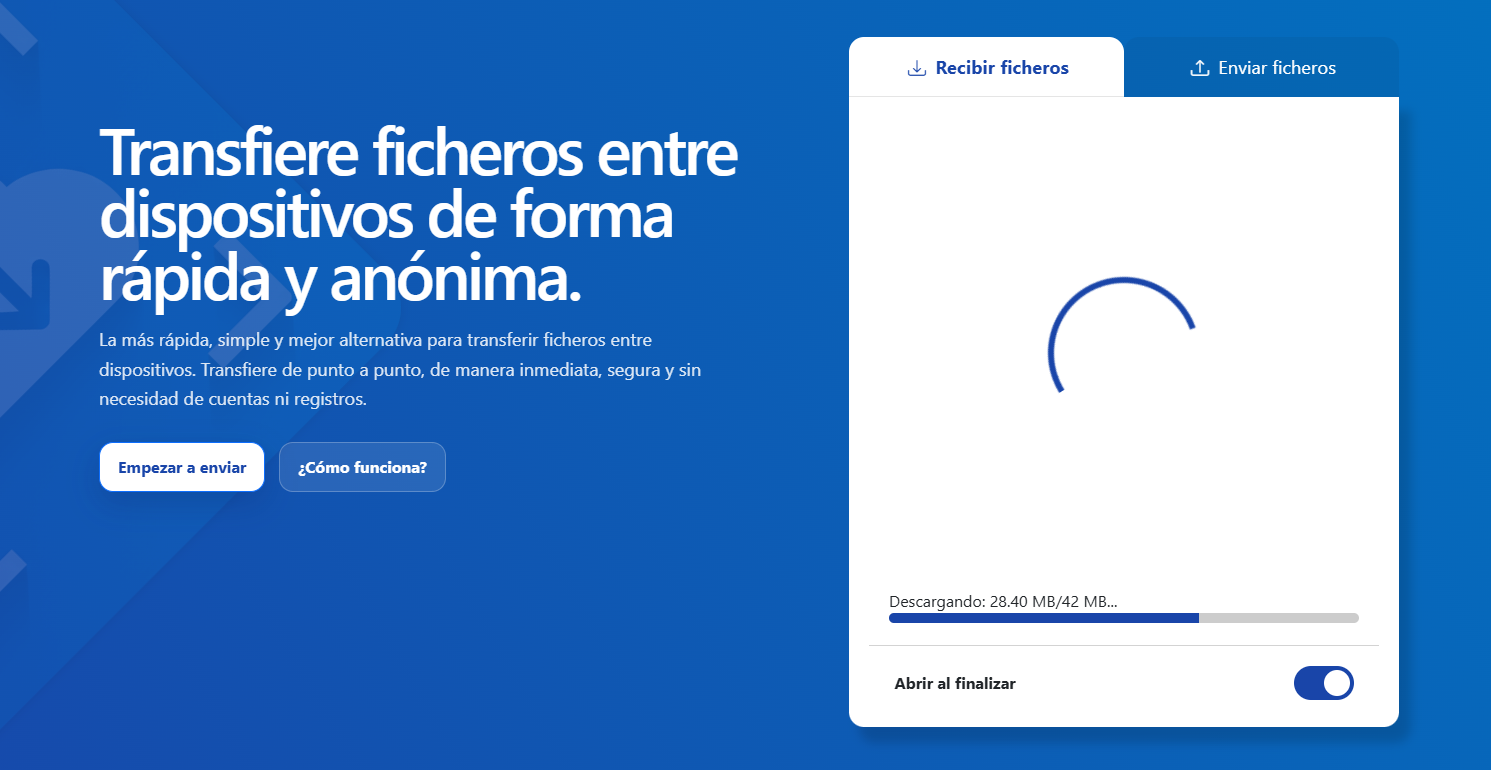
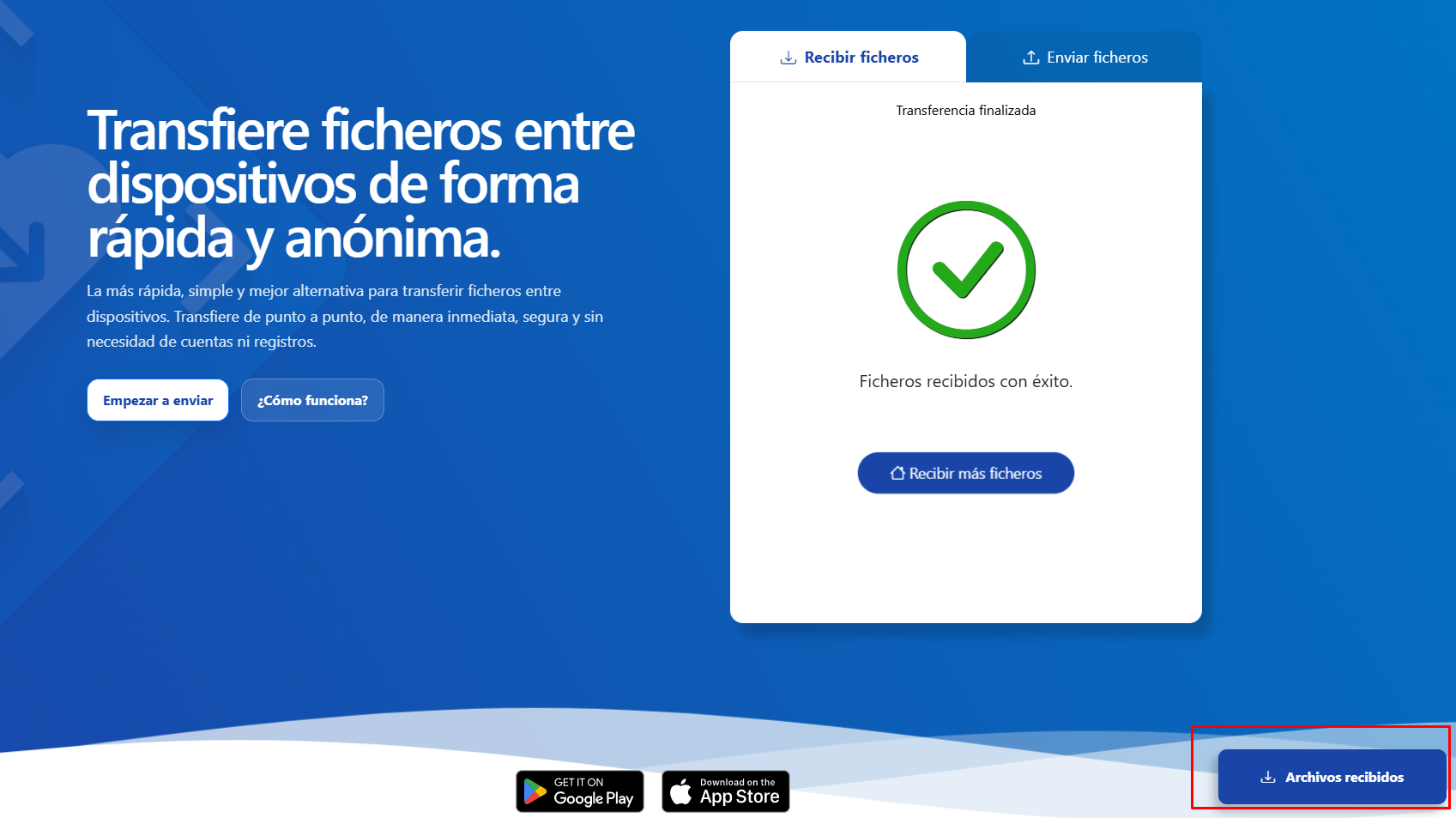
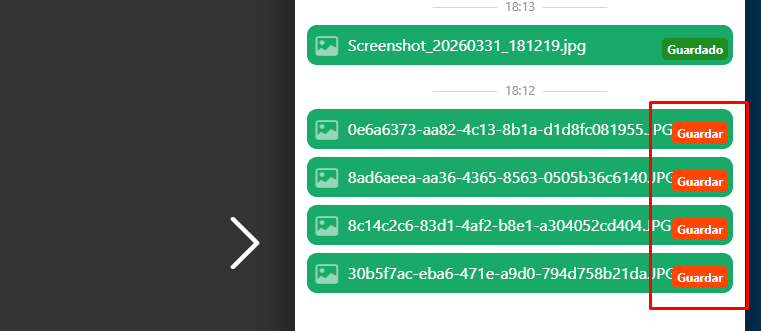
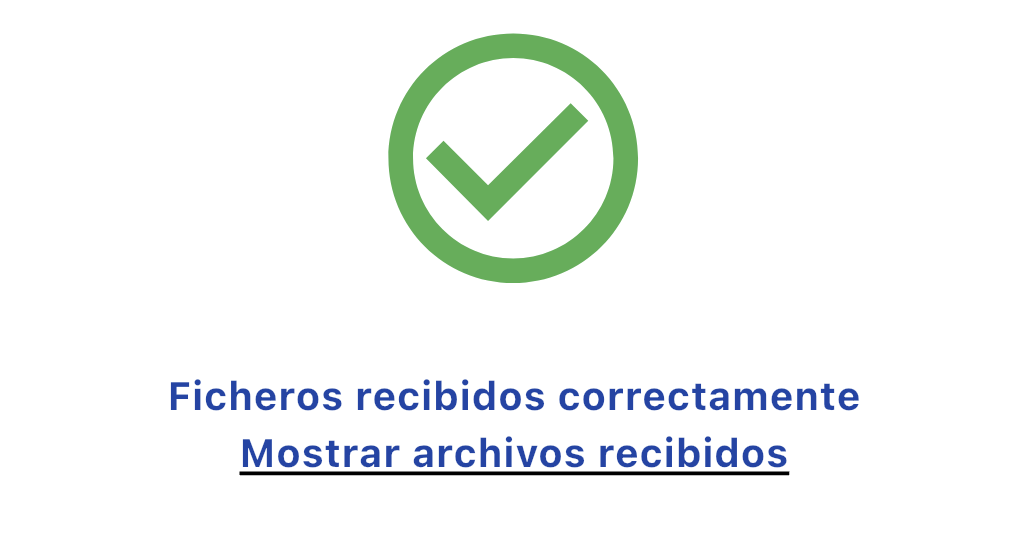
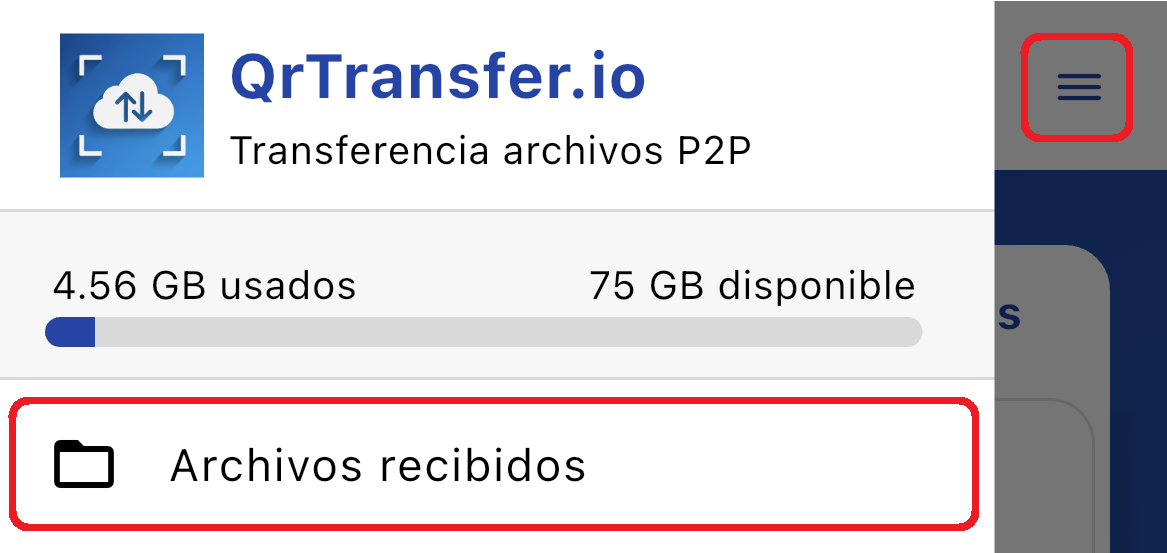
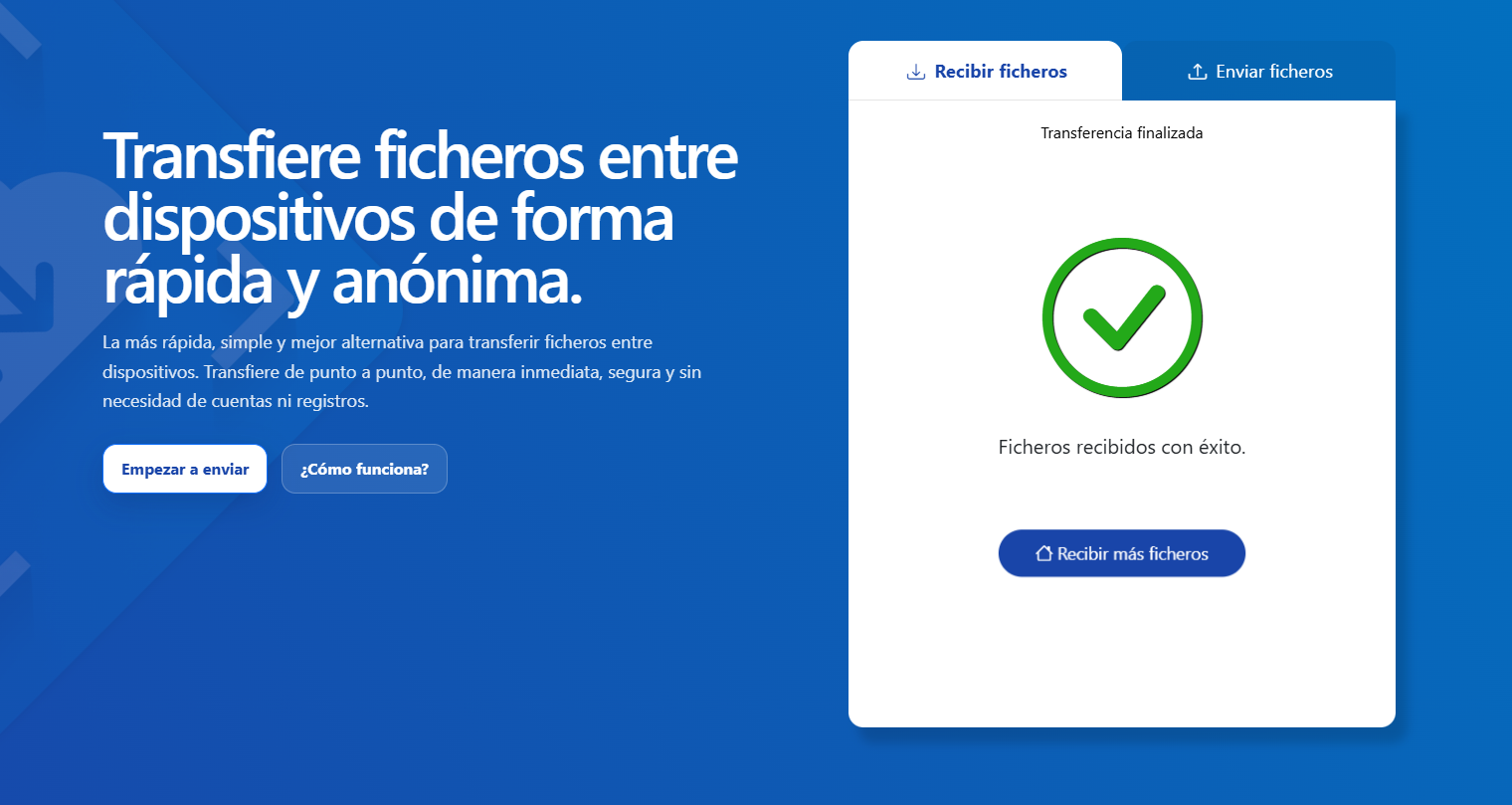 As you receive the files, you can view them in the "Received Files" section..
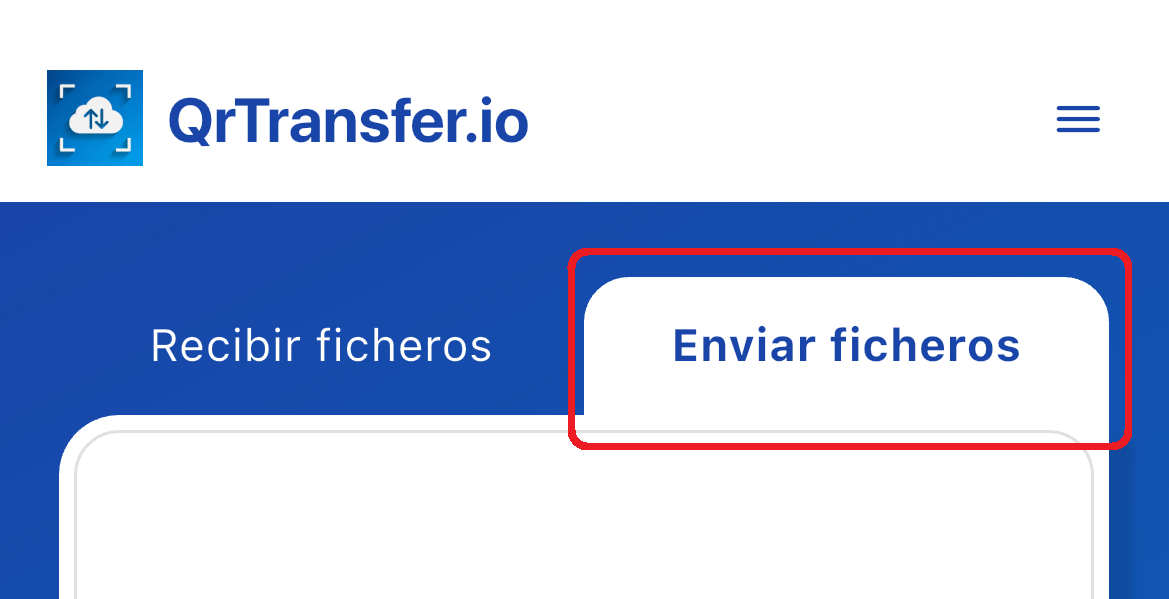
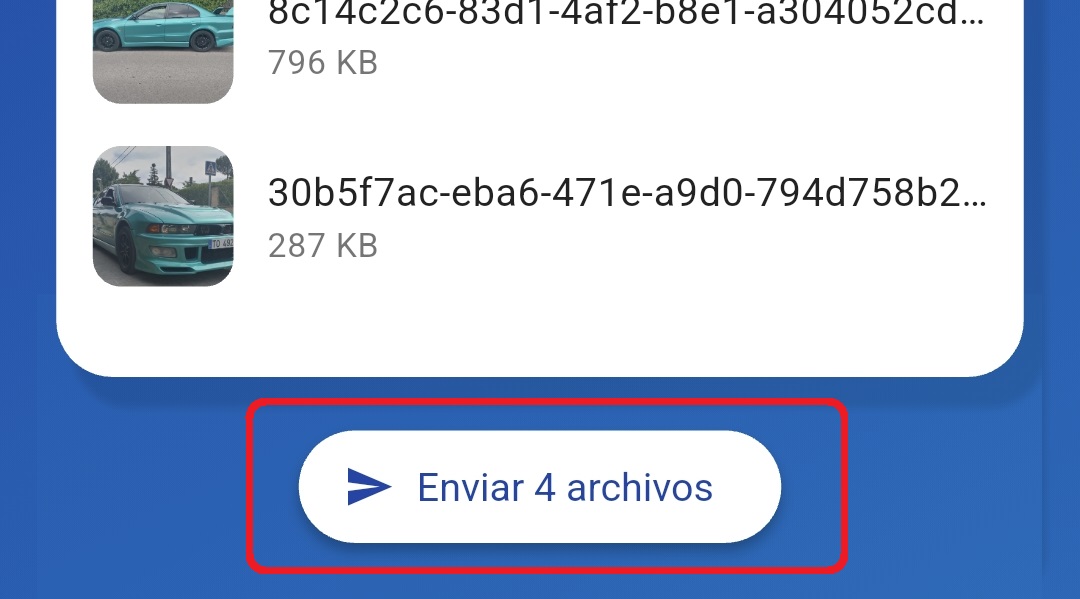
Attach all the files you need to send from your mobile, with no limit.

 As you receive the files, you can view them in the "Received Files" section..
To use the web app, go to https://qrtransfer.io in your web browser.
The first time you use the QrTransfer.io - web app, we will ask you to read and accept our privacy and usage policies.
It is very important that you read and understand how your files are managed through the app.
Ideal for transferring presentations, folders, ZIPs, multimedia, or any PC files to your phone occasionally.
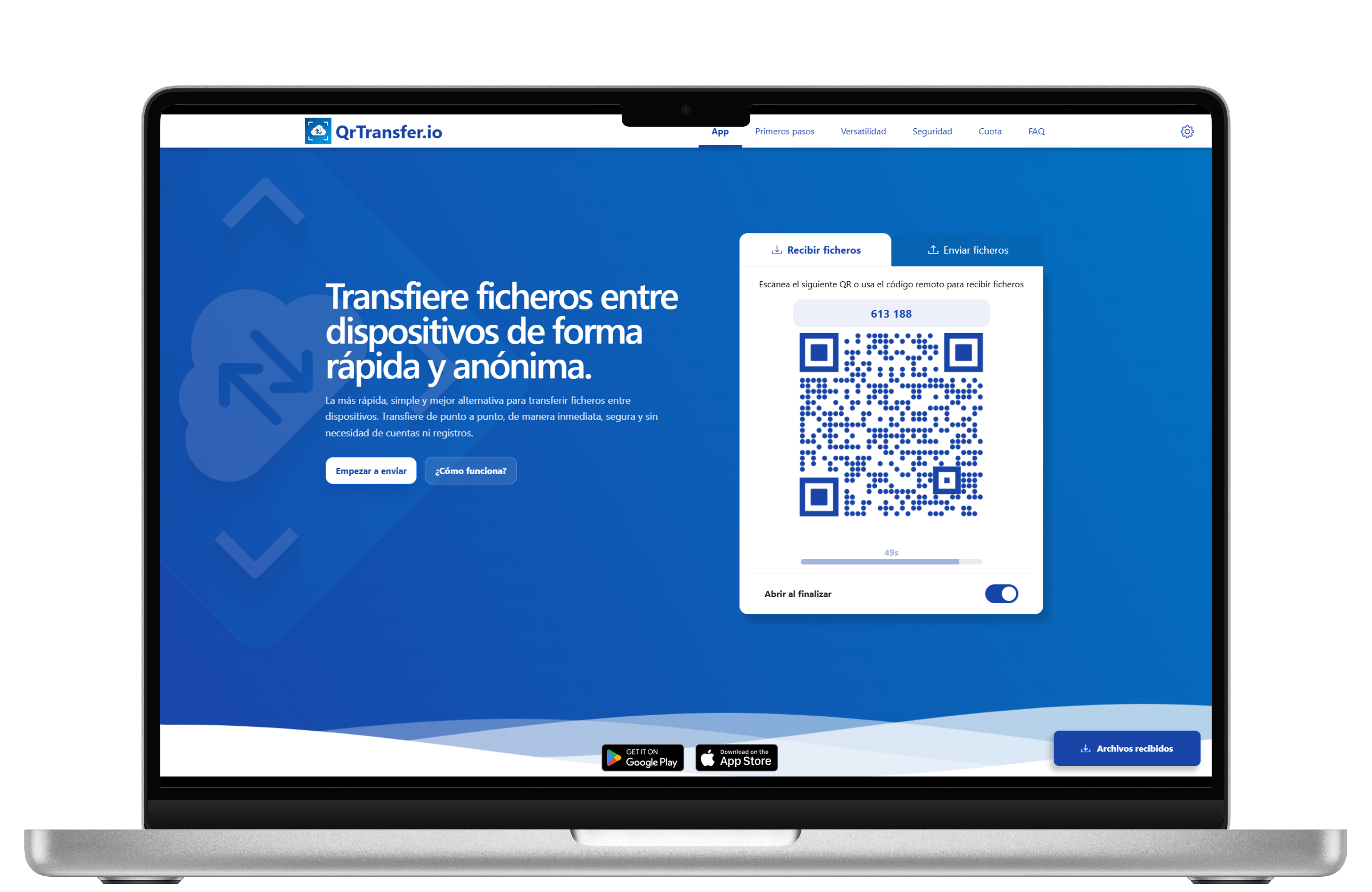
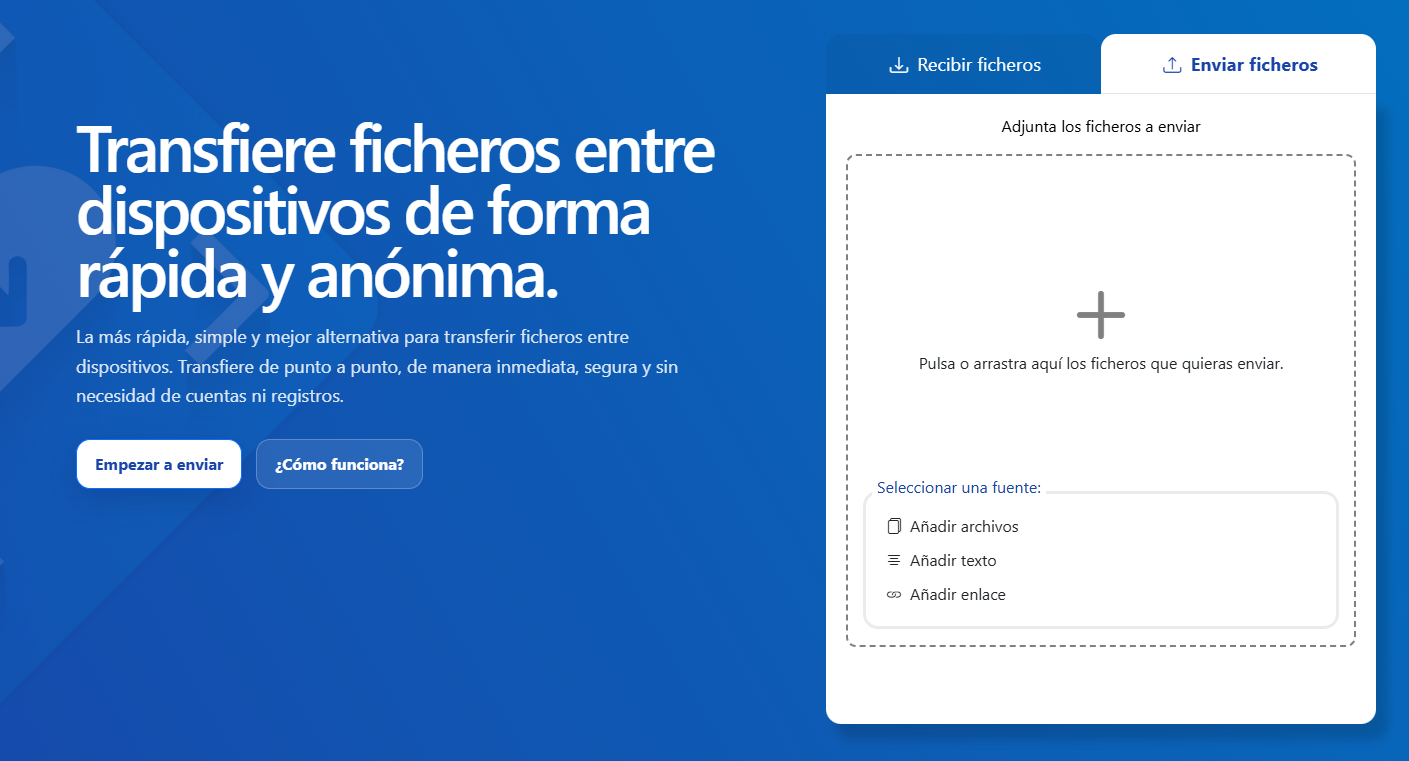

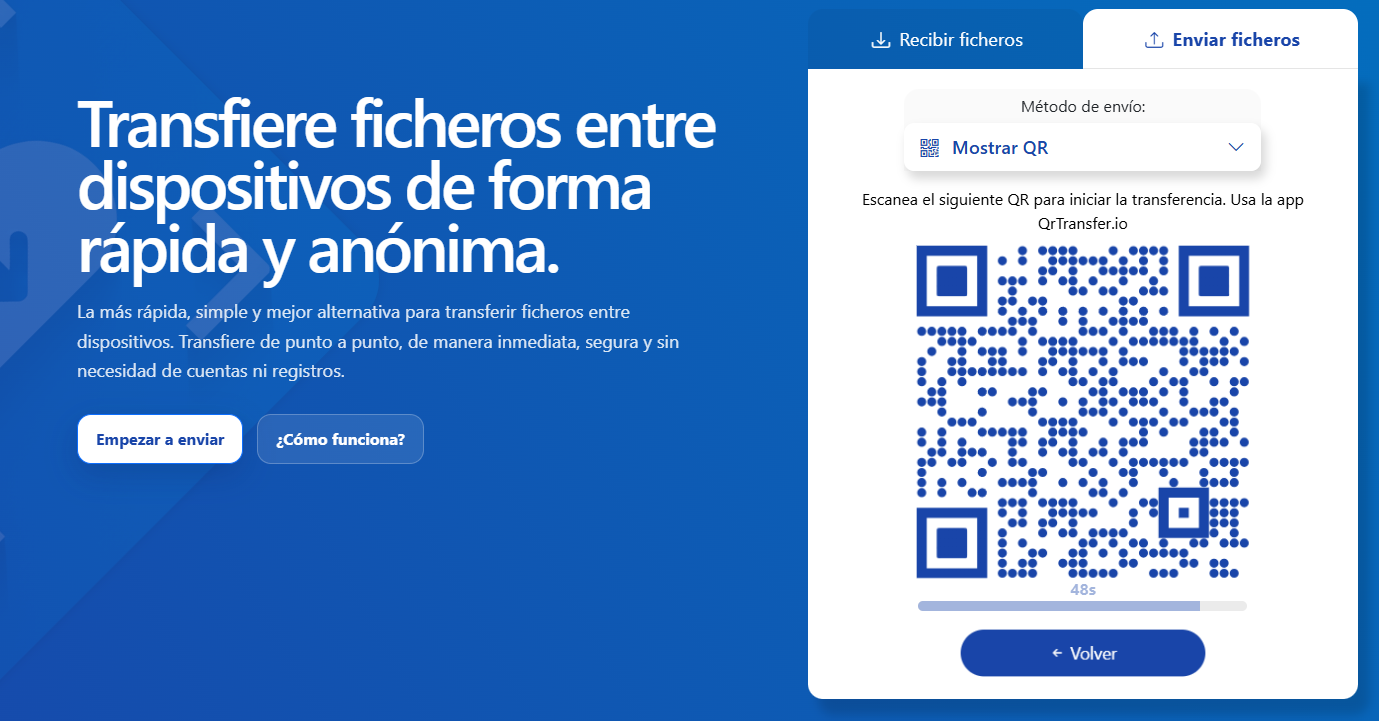
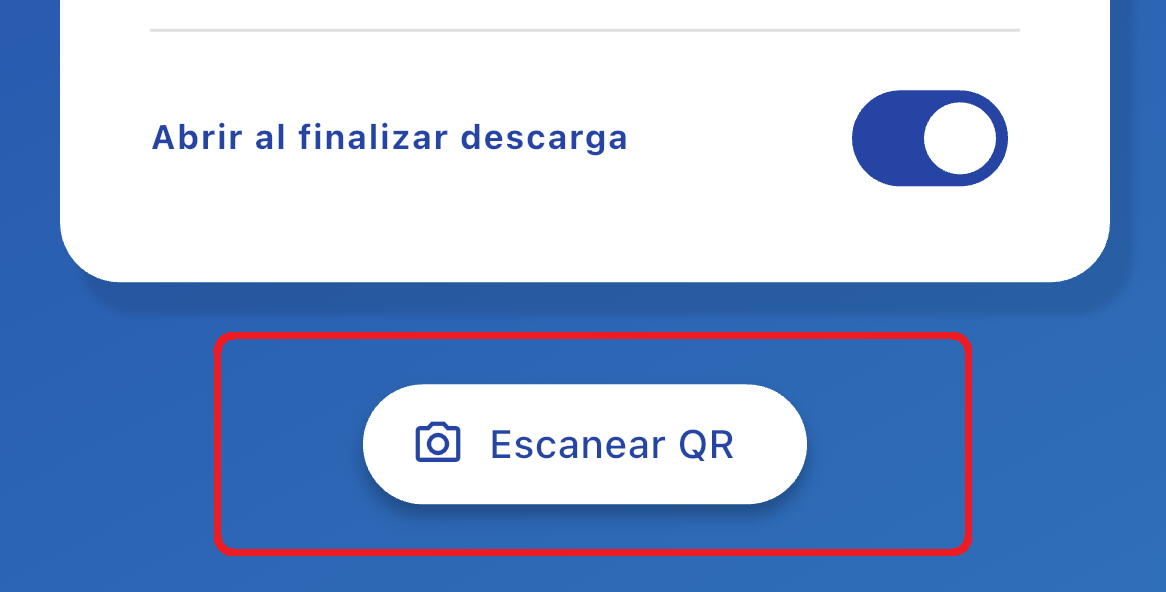
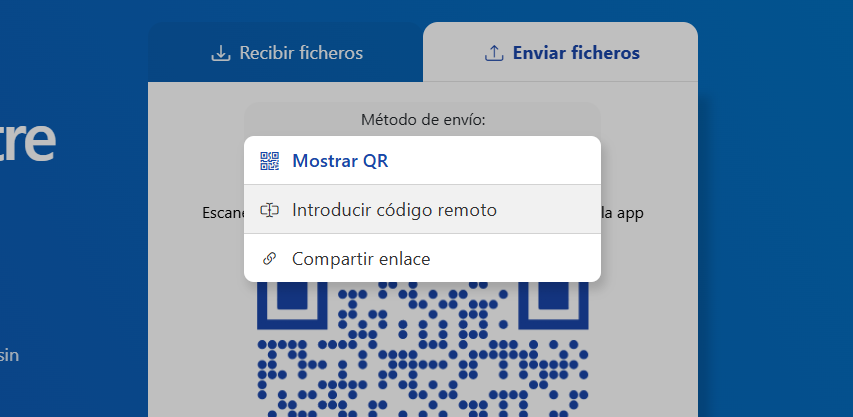
Ideal for large real-time file and folder transfers.
To offer you the best experience and make full use of the app's potential, we recommend accessing the web from Chromium-based browsers:
Google Chrome,Microsoft Edge, Brave, Opera, Vivaldi, Chromium, etc.
Thanks to account-free, login-free access, file transfers become faster, cleaner, and much easier from the very first second.
QrTransfer.io It is designed for people who work daily with both mobile and computer and often need to send files between these devices.
At first, it’s a very common and simple task, but one where most of us waste a lot of time searching and devising solutions to achieve it..
Transfer photos, videos, or documents between devices when you don’t want to rely on closed apps.
Quickly share resources between teacher and students or between teams during a presentation.
Send screenshots, PDFs, contracts, designs, or support files between mobile and desktop wirelessly.
If you like to carry music with you on your phone, this is a great solution to easily transfer audio files from your PC to your phone..
Often we receive documents on our mobile and want to view or print them immediately from the computer.
When you've taken many photos of the communion and want to transfer them immediately to your PC to avoid losing them.
Links are also files, so you can use the app to remotely open web links from your phone..
When transferring data from one computer to another, we often use USB drives. Why not do it faster using the web?
Often we simply need to transfer text between a mobile and a PC, but never had an immediate and easy way to do it, until now...
At first glance, it might seem like scanning a QR code in the app attaches files to that QR code stored somewhere lost on the internet..
However, that is not how the application works. On QrTransfer.io, the QR code is used as a link between two devices
Scanning the QR lets the app identify who is the sender and who is the recipient in the transfer, nothing more.
Therefore, your files are never scattered across the internet; simply by scanning the QR code, a connection is created and the files are transferred from one device to another..
Whenever possible, QrTransfer.io connects both devices directly via P2P so the transfer is faster, more efficient, and without unnecessary storage on servers..
Hybrid P2P keeps peer-to-peer logic as its goal but introduces a temporary relay channel when the network complicates direct connection. This way, the experience remains fast and smooth even in difficult environments..
Numbers showing how QrTransfer.io simplifies file transfer.
QrTransfer.io operates on a usage quota system: each time you transfer files, you consume part of your available quota. Maintaining a fast, secure, and reliable service requires robust infrastructure and involves high costs. That's why this system allows us to guarantee a quality experience for all users.
The app starts with 15 GB included as a down payment, so you can use it freely from the start. If you ever need to upgrade it, you can easily do so from the plans available in the mobile app.
Our goal is for the app to be truly useful to you. That's why the app starts by giving you enough leeway to try it out, so you can see how it fits into your daily life and later decide if you want to increase your quota or look for other solutions.
If you prefer an alternative way to keep increasing your quota, you can do so by recommending the app: for every new member who joins through you., You will receive 1 GB extra.
Share the app with your friends; when they start using it and validate your invitation, you earn additional quota. It's a great way to support us and never run out of transfer quota.
Generate a sharing QR code from the mobile app in the "Share" section.
Share the app with new users using the "share app" button in the same section.
When the new member has installed the QrTransfer.io app on their phone, ask them to open the app and scan your sharing QR code.
You will receive 1GB extra to your transfer quota immediately. Tap the "Refresh" button to see the changes.
Key points that make QrTransfer.io a more efficient choice for everyday use.
When the need truly arises, that's when you notice which solutions add steps and which remove them.
QrTransfer.io It's designed specifically to handle that moment with a more direct, faster, and easier-to-repeat experience.
Answers to the most common questions about the platform.
No. You don’t need to create accounts to use QrTransfer.io, but we will ask you to read and accept our policies and terms of use before using the app..
Yes, transfers are always peer-to-peer (P2P). We use hybrid P2P to ensure your transfers are always possible peer-to-peer.
Yes, in fact that was the reason the app was created, since there were no practical solutions for such a simple task..
QR tokens expire for security and can be regenerated every 60 seconds.
When a QR token has expired you just need to press the "generate new" button.
Sure! You can attach all the files you need. However, if you are going to send many files (for example, more than 50) we recommend compressing them into a single .zip file..
Yes! We’ll also make sure it keeps the same structure when received on your remote device..
This is a feature we are currently improving.
To use it, drag the folder you want to transfer onto the web page.
We only need you to grant permission to your phone's camera; we'll use it solely to let you scan destination QR codes.
No, all files and traces of the transfer are deleted once it has completed..
Only you have access to the files once the transfer is complete.
Do not close or exit the app during a transfer because since it is P2P, if one of the peers "leaves", the transfer is interrupted and cannot be resumed.
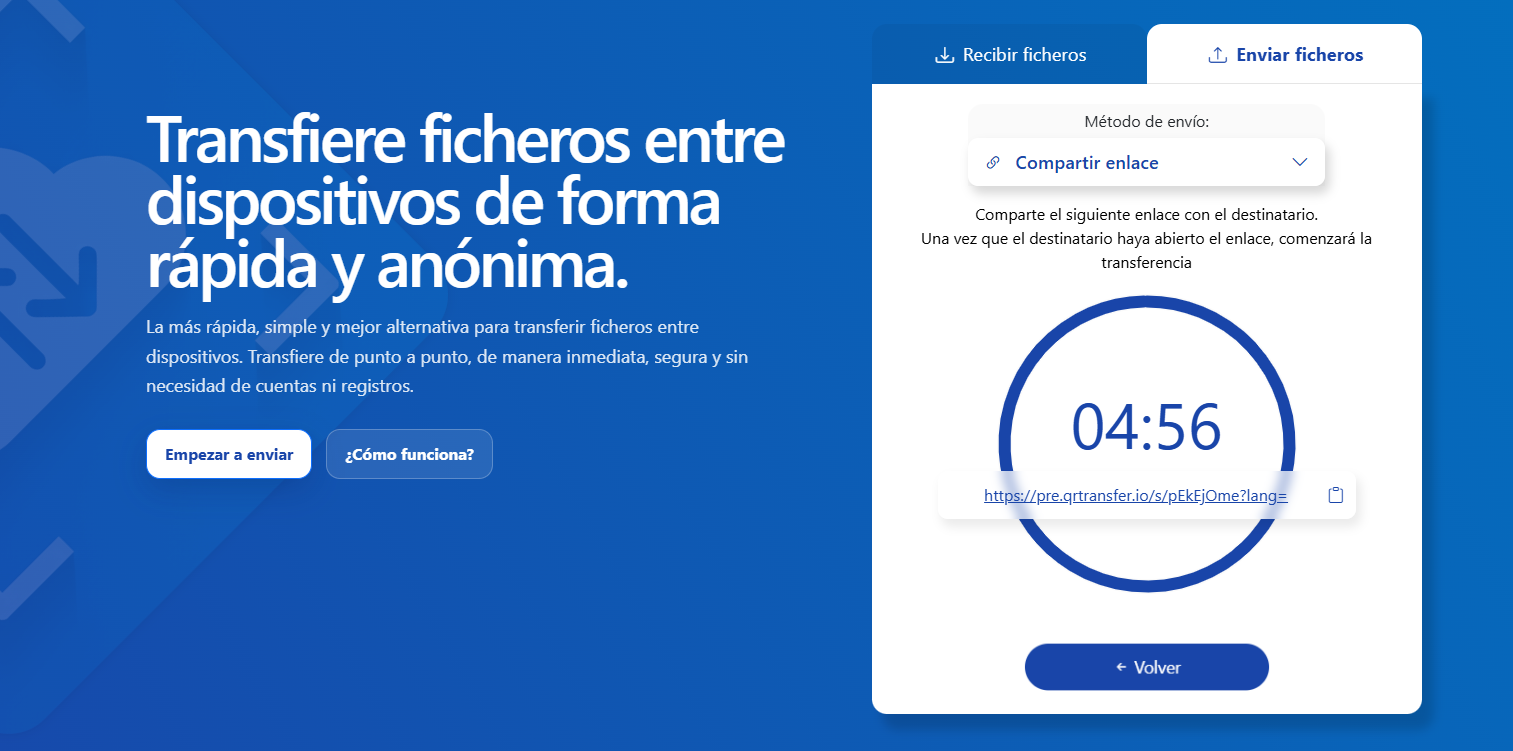
Yes, to anywhere in the world and in real time. To do this, attach the files and then select the "Share link" method. Once your recipient opens that link, the transfer will begin..
No, the app only allows transfers between two clients..
No, the app only starts the transfer when both clients are connected and in real time.